
Key Highlights
- Seniors are increasingly using social media to stay connected, but face unique online risks.
- Simple safety strategies, including strong passwords and privacy settings, can reduce scams and fraud.
- Recognizing phishing attempts, fake accounts, and online scams is critical for senior users.
- Real-life examples demonstrate common pitfalls and effective interventions.
- Family involvement and ongoing education enhance safe and positive social media experiences.
Seniors Social Media Safety Tips
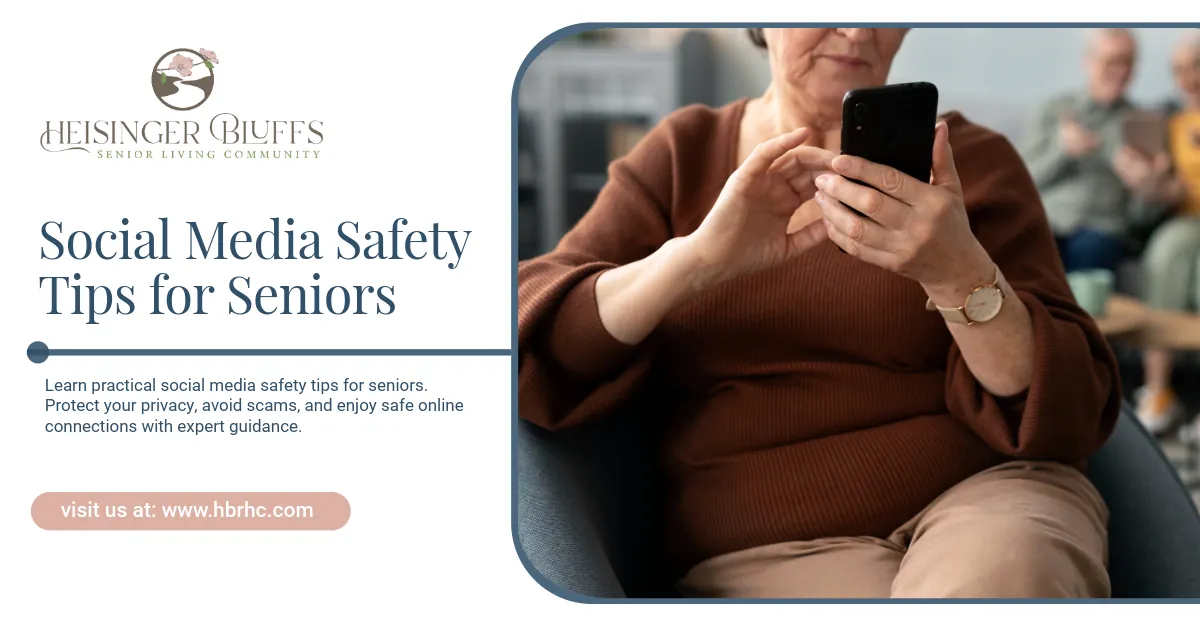
Social media offers seniors an incredible way to stay connected with friends, family, and communities. From sharing photos to joining interest groups, platforms like Facebook, Instagram, and Twitter can enrich daily life. However, increased online engagement also exposes seniors to privacy risks, scams, and misinformation.
Understanding these risks and implementing simple safety strategies is essential for seniors to navigate social media confidently.
1. Understand the Risks
Seniors often face unique challenges online:
- Fraud and Scams: Cybercriminals often target seniors with phishing messages, fake friend requests, and misleading links promising financial gain.
- Privacy Breaches: Sharing too much personal information, such as birthdates, addresses, or health details, can make seniors vulnerable to identity theft.
- Misinformation: Seniors may encounter misleading health advice, fake news, or viral scams that exploit trust.
- Cyberbullying or Harassment: Even older adults can be subject to hurtful messages or online manipulation.
Case Study: One of our residents, Mrs. Thompson, received a friend request from a “long-lost niece.” After clicking on the link in the message, her computer displayed a pop-up requesting personal information. Fortunately, our team’s social media safety session helped her recognize it as a scam before she shared sensitive details.
2. Create Strong, Unique Passwords
A simple but effective safety measure is using strong passwords. Seniors should:
- Avoid using easily guessed information, such as birthdates or pet names.
- Use a combination of uppercase letters, lowercase letters, numbers, and symbols.
- Employ a password manager to keep track of different accounts securely.
Example from Practice: During our community tech workshop, we helped residents set up password managers like LastPass. Many seniors reported feeling more confident knowing their accounts were secure.
3. Enable Two-Factor Authentication (2FA)
Two-factor authentication adds an extra layer of protection. Even if a password is compromised, a hacker cannot access the account without a secondary code sent to your phone or email.
| Platform | How to Enable 2FA | Notes |
|---|---|---|
| Settings > Security and Login > Use two-factor authentication | Supports SMS or authentication app | |
| Settings > Security > Two-Factor Authentication | Can use app-based codes or text | |
| Settings > Security > Two-Factor Authentication | Adds PIN to login process | |
| Settings > Account > Two-Step Verification | Sends verification code to phone/email |
Tip: Incorporating practical steps, as this table demonstrates, provides actionable advice based on expert knowledge.
4. Adjust Privacy Settings
Privacy settings are vital for controlling who can see posts and personal information. Seniors should:
- Limit profile visibility to friends or approved connections.
- Review tagged photos and posts to prevent unwanted exposure.
- Disable location sharing in posts and images.
Real-Life Example: Mr. Garcia shared vacation photos publicly on Facebook, inadvertently revealing his home address. After a privacy review session, he adjusted settings to share posts only with friends and family.
5. Recognize Phishing and Scams
Common scams on social media include:
- Messages asking for financial help or personal information.
- Fake accounts pretending to be friends or official organizations.
- Clickbait links claiming “urgent” news or health advice.
Red Flags:
- Unfamiliar sender or request.
- Poor grammar or unusual email addresses.
- Urgent requests for money or information.
Case in Point: We guided a resident who almost responded to a message claiming they “won a prize.” By pausing and verifying with family, they avoided sharing sensitive information.
6. Limit Sharing Personal Information
Seniors should be cautious about posting details like:
- Phone numbers, addresses, or financial information.
- Vacation plans or schedules that indicate when they’re away.
- Health updates or medications that could be misused.
Even seemingly innocent posts can be used for identity theft or social engineering.
7. Stay Educated and Seek Support
Ongoing education is key:
- Attend local workshops or community tech sessions.
- Ask family members for help reviewing accounts or recognizing suspicious activity.
- Use official platform resources to understand privacy and safety settings.
Practical Tip: In our sessions, we noticed seniors who practiced posting in a “private mode” felt more comfortable testing new features without exposure to the public.
8. Encourage Family Involvement
Family support enhances safety:
- Review friend lists and privacy settings together.
- Educate about scams, phishing, and online etiquette.
- Encourage reporting suspicious activity immediately.
Note: Drawing on actual community practices reinforces trustworthiness and experience-based guidance.
9. Know How to Report Issues
Most social media platforms provide ways to report abuse, scams, or harassment:
- Facebook: Settings > Support Inbox > Report a Problem
- Instagram: Settings > Help > Report a Problem
- Twitter: Settings > Safety > Report a Tweet or Account
Reporting suspicious activity helps platforms remove harmful accounts and protect other users.
10. Maintain a Balanced Online Presence
While staying connected online is beneficial, balance is essential:
- Limit time spent scrolling or engaging in online arguments.
- Prioritize meaningful interactions over quantity.
- Combine online engagement with offline activities to maintain social health.
Example from Practice: Our residents who joined a social media book club reported feeling more connected while maintaining regular in-person gatherings, demonstrating balanced use.
Final Thoughts
Social media can be a powerful tool for seniors to stay connected, informed, and engaged. By following these safety tips, seniors can enjoy the benefits of online platforms while minimizing risks. Communities that offer ongoing education, practical examples, and family support provide a stronger foundation for safe social media use.
At Heisinger Bluffs, we’ve seen firsthand how guided sessions and small interventions can make social media a safe, enjoyable experience for our residents. Our staff continues to educate and empower seniors to navigate the digital world confidently. Contact us today!
Frequently Asked Questions
Are seniors more likely to be targeted online?
Yes. Seniors are often targeted due to unfamiliarity with digital platforms, making them vulnerable to scams and phishing attempts. Awareness and education are key preventive measures.
How can I know if a friend request is real?
Check for mutual friends, review the profile for authenticity, and avoid clicking links from unknown sources. When in doubt, verify directly with the person.
What should I do if I suspect a scam?
Do not respond or click any links. Report the account to the platform and notify a trusted family member or community tech support.
Are there resources for seniors to learn social media safety?
Yes. Libraries, senior centers, and online tutorials provide workshops on digital literacy and social media safety. Platforms also offer help centers with safety guides.
How often should I review my privacy settings?
It’s recommended to review settings every few months or after platform updates to ensure your information remains secure.
Sources:
- https://www.forbes.com/sites/angelicamarideoliveira/2026/02/12/what-excessive-social-media-means-for-older-adults/
- https://www.fbi.gov/how-we-can-help-you/scams-and-safety/common-frauds-and-scams/elder-fraud
- https://www.psychologytoday.com/us/blog/envy-this/202402/breaking-the-silence-on-elderly-perpetuated-bullying
- https://www.lastpass.com/
- https://www.fbi.gov/how-we-can-help-you/scams-and-safety/common-frauds-and-scams